A guided application
Complete your profile, verify your identity and move through a clear application flow with saved progress.
Fast Loan MY brings your application, offer decision, documents and repayment progress into one guided mobile experience.
Android download from fastloanapp.my. Approval and the final offered amount remain subject to review.
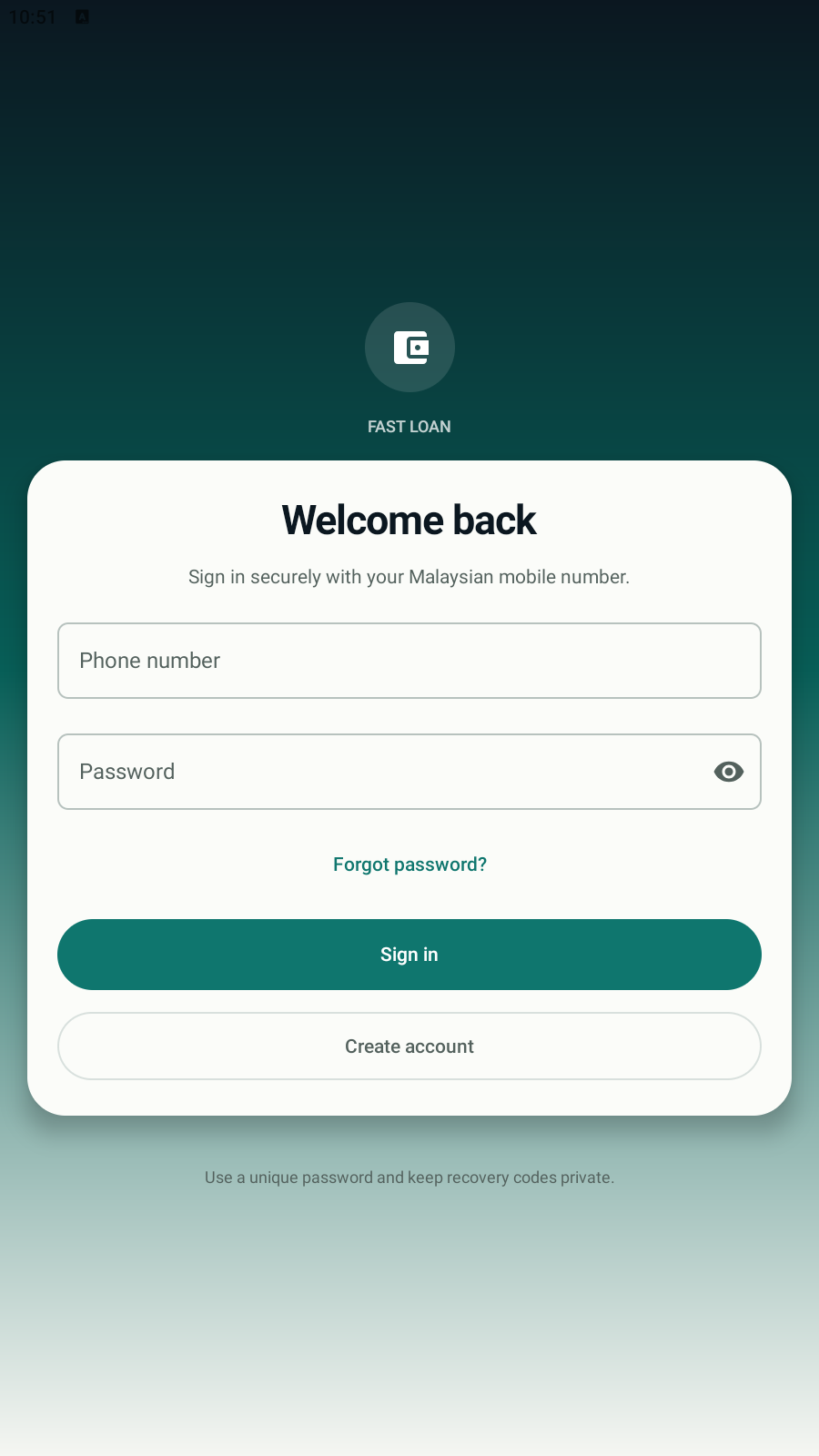
Each screen is focused on the decision or action that matters next.
Complete your profile, verify your identity and move through a clear application flow with saved progress.
See the offered amount and repayment method before you decide whether to accept or reject it.
Keep disbursement documents, repayment schedules and submitted payment evidence attached to the right loan.
The app keeps each stage visible, including actions that require administrator review.
Download the Android appAdd your profile, beneficiary bank details and complete eKYC when required.
Submit the requested information. If an offer is issued, inspect its amount and repayment option before responding.
Open your loan documents, view the schedule and submit payment evidence for review from the app.
Requesting an amount does not guarantee approval. An administrator may offer the requested amount or a lower amount.
Download the latest APK directly from this official Fast Loan MY domain.
Download APKOnly install an APK downloaded from fastloanapp.my. Android may ask you to allow installation from your browser.
DownloadTap the button and keep the APK when your browser asks.
Allow installationIf prompted, allow installs from this browser in Android Settings.
Open Fast LoanFinish installation, then open the app and sign in or create an account.
386166B72305BA1CAE00F2287D842D0DC79F4B3E978F30155F9B6300D0BFD162